 Wise Scroll
Same scroll. Different ending.
Wise Scroll keeps your Instagram, YouTube and TikTok exactly as they are, and slips a 60-second lesson on your topics in every few reels.
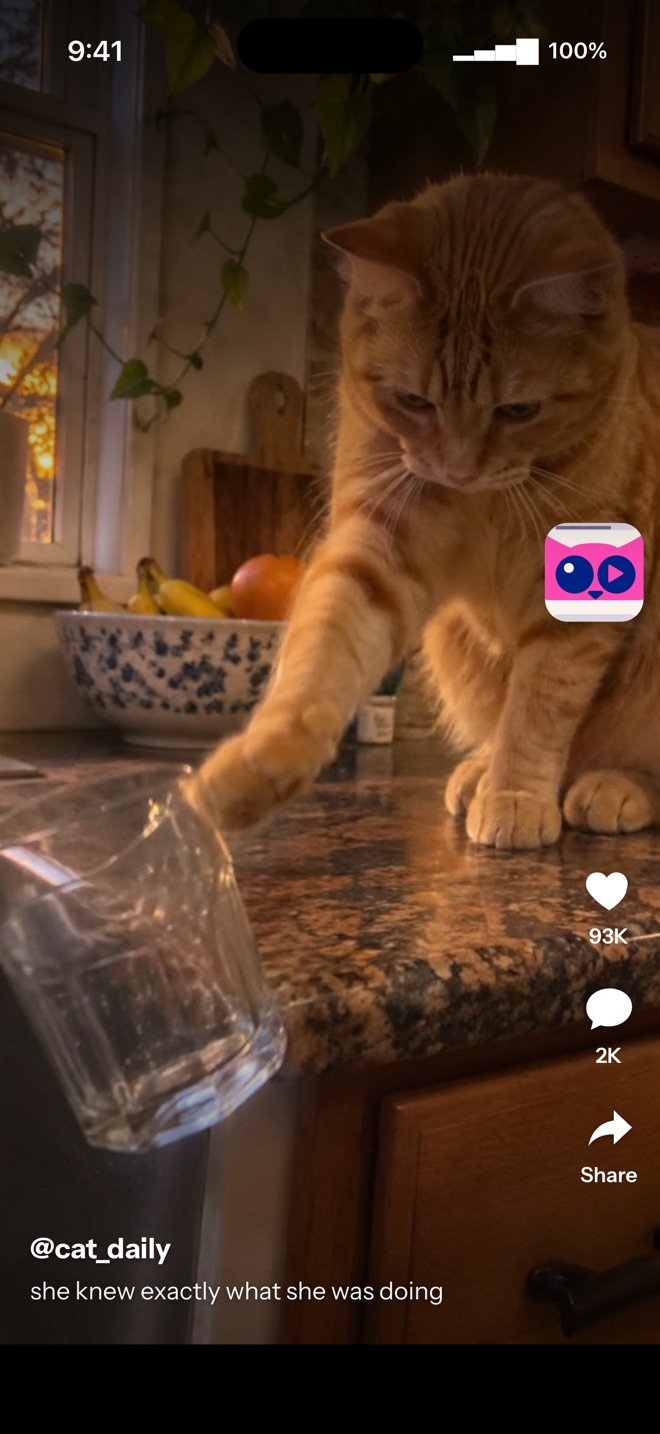
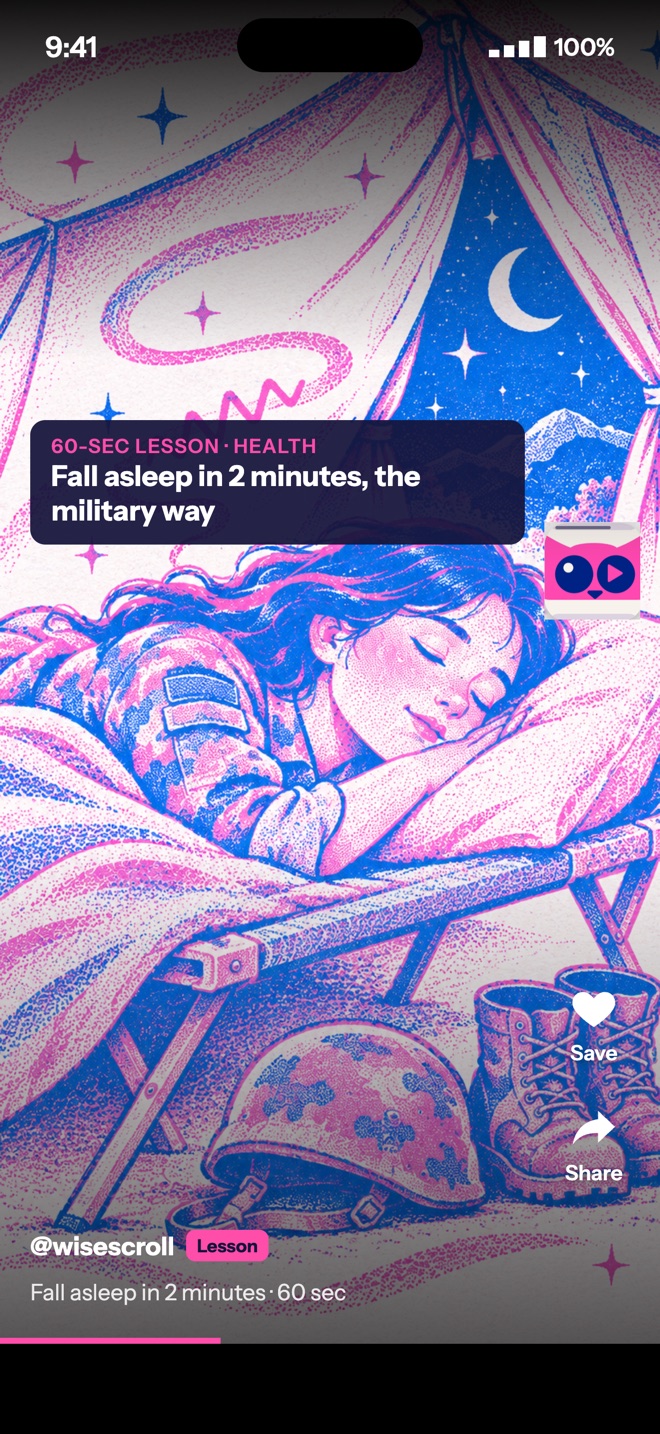
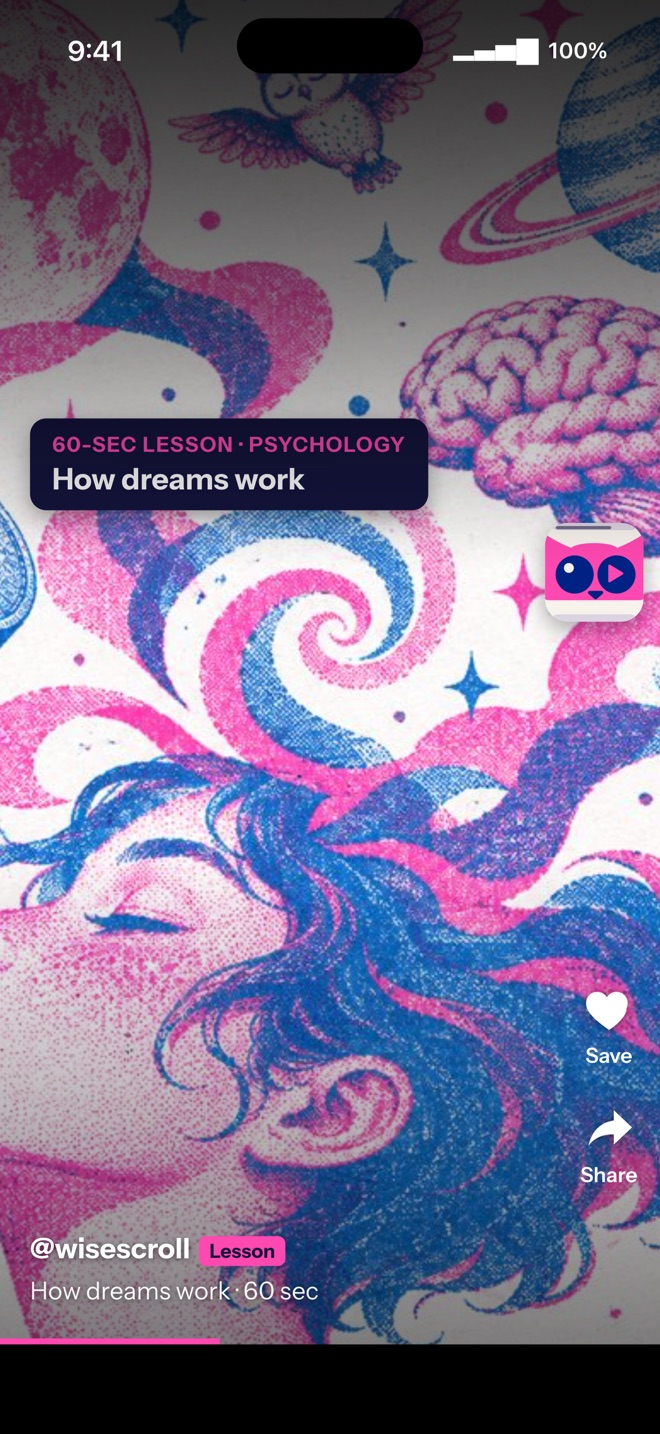
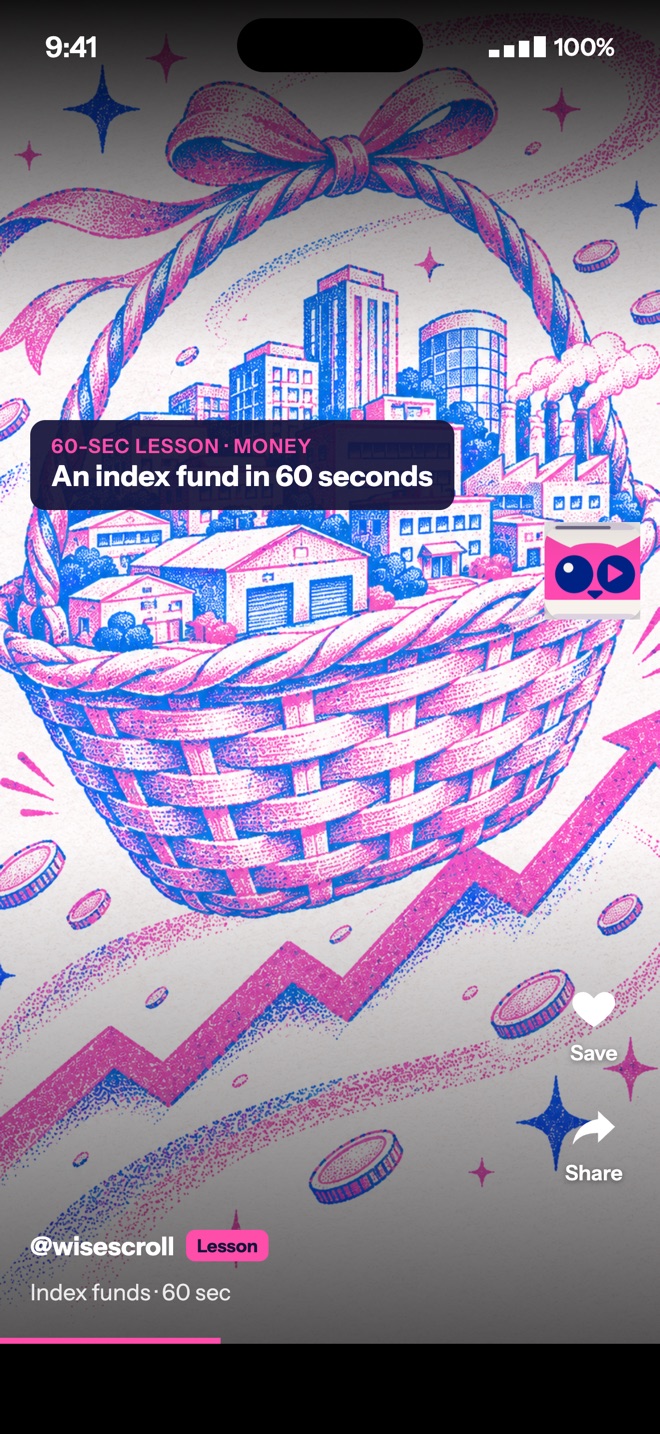
Shown at 20% Wise Reels. You choose anywhere from 5% to 30%.
Try it right here
This is the iPhone app itself, running in your browser. Same screens, same demo, nothing to install.
- Answer a few quick questionsWhere you scroll, for how long, and what you'd rather get out of it.
- Pick what you want to learnAny of the 18 topic groups.
- Scroll the demo feedSwipe, scroll or press ↑. Every 3rd short is a Wise Short on your topics.
What changes, what doesn't
| Moment | The apps on their own | Inside Wise Scroll |
|---|---|---|
| Your feed | Your accounts, your follows | The same accounts and follows |
| Every few reels | Another reel | A 60-second lesson on a topic you picked |
| Right after it | Keep swiping | One quick question, one tap |
| When you close it | Time gone | Minutes learned, on your home screen |
Pick the topics. We bring the lessons.
Every Wise Reel has its own hand-drawn look, so you can tell it apart from the rest of your feed.




Close the back door
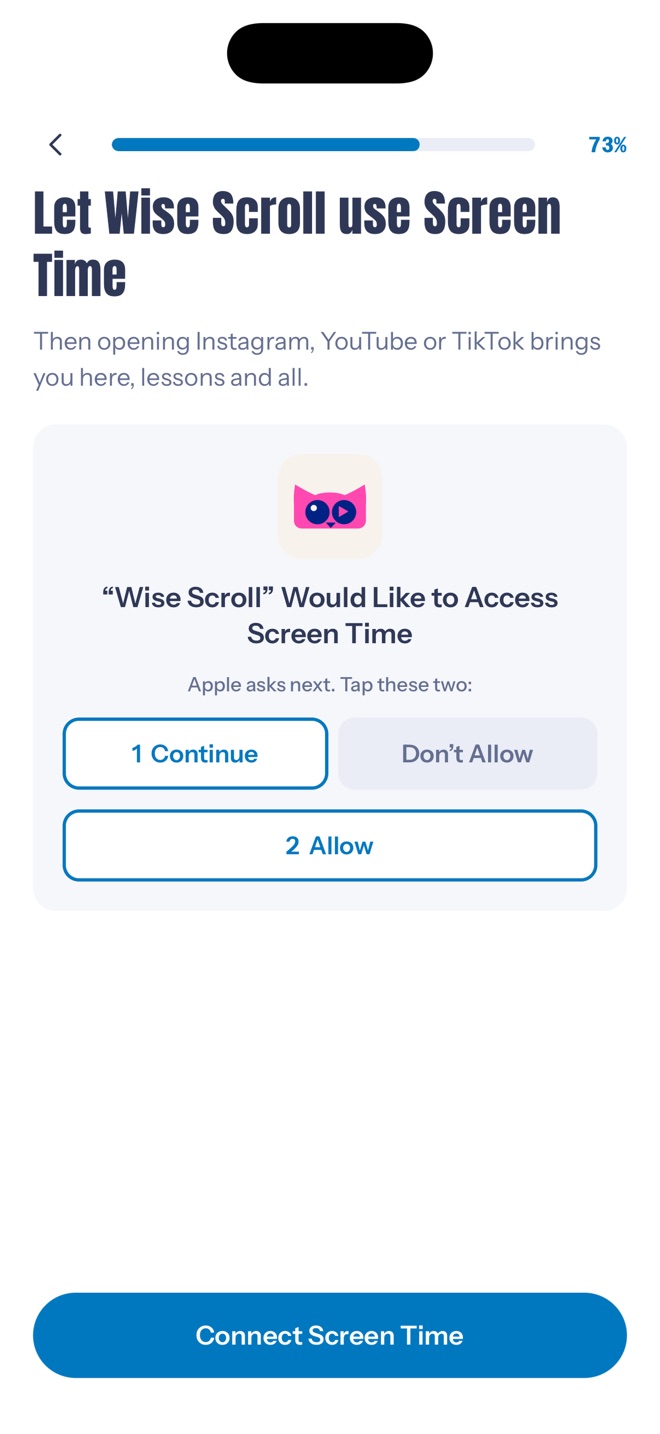
With your OK, Screen Time sends habit taps on Instagram, YouTube and TikTok to Wise Scroll, lessons and all. Unblock them any time.
Your accounts stay yours
Topics, answers and progress stay on your iPhone or in your browser.
You log in on Instagram's, YouTube's and TikTok's own pages.
No likes, follows, comments or messages, ever.
Get Wise Scroll
Free for 7 days on either. Then Wise Scroll Pro, cancel any time.
iPhone
Free beta on TestFlight- Instagram, YouTube and TikTok inside one app
- Screen Time blocking, if you want it
- Billed through the App Store
Chrome
On your Mac or PC- Works on instagram.com, youtube.com and tiktok.com
- Pick your topics on the web, then add the extension
- Secure checkout by Stripe
7 days free, then billed once a year
7 days free, then billed monthly
Prices in US dollars. On iPhone the App Store shows your local price before you buy.
Questions
Will my feed look different?
No. It's your normal Instagram, YouTube and TikTok, with Wise Reels mixed in at the rate you choose.
Can I turn the lessons off for a while?
Yes. Turn them down to 5% or switch them off in settings.
Does it work on Android?
Not yet. Wise Scroll is on iPhone and in Chrome on your computer.
How do I cancel?
On iPhone: Settings, tap your name, Subscriptions, Wise Scroll. Deleting the app does not cancel it. In Chrome: open the Wise Scroll owl and choose Manage subscription.
Something isn't working
See Wise Scroll support or email sid@jirazolabs.com.
Pick the better ending.